Projector Presentation Package - 6 Handheld Microphones

View More Audio, Visual and Electronics
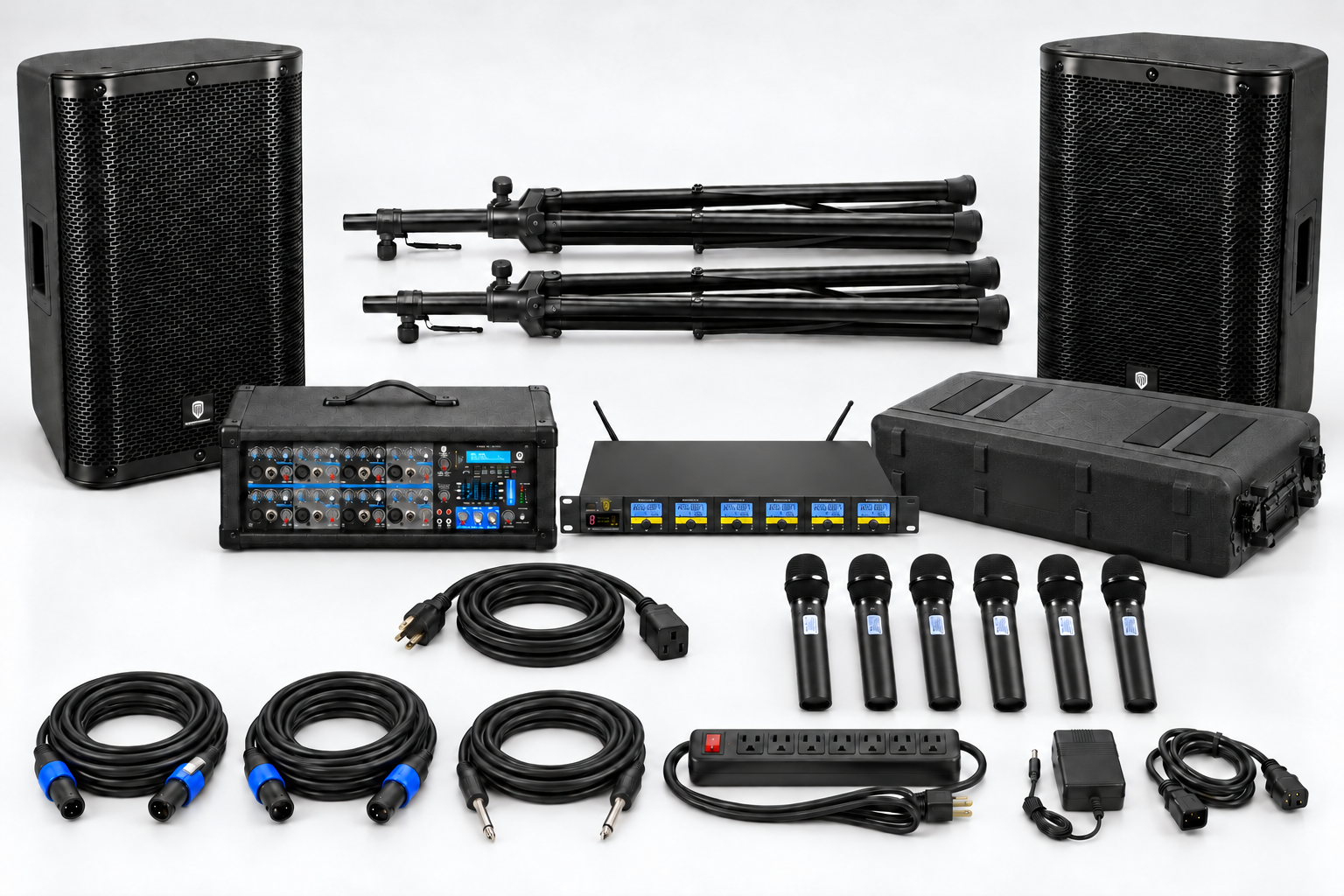
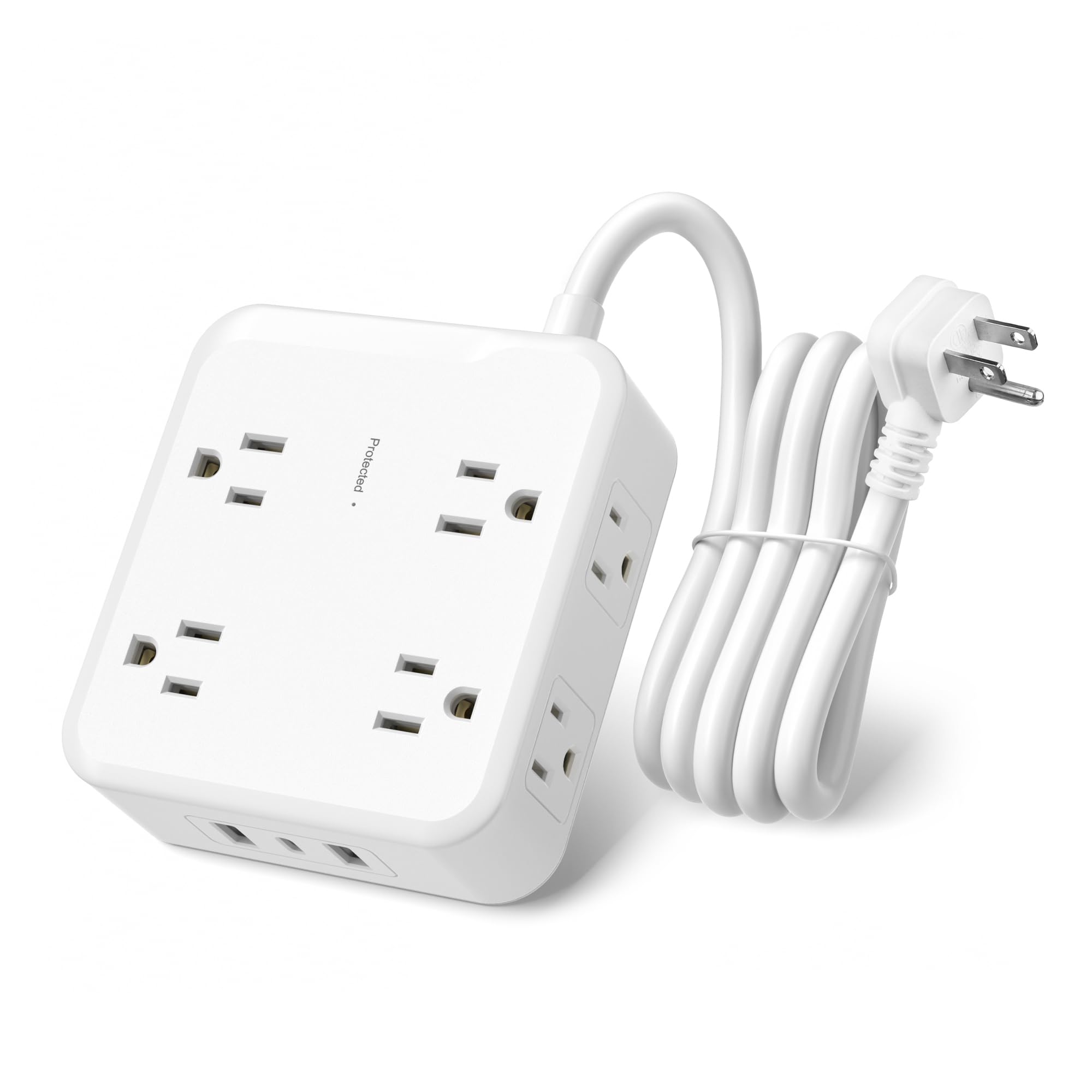
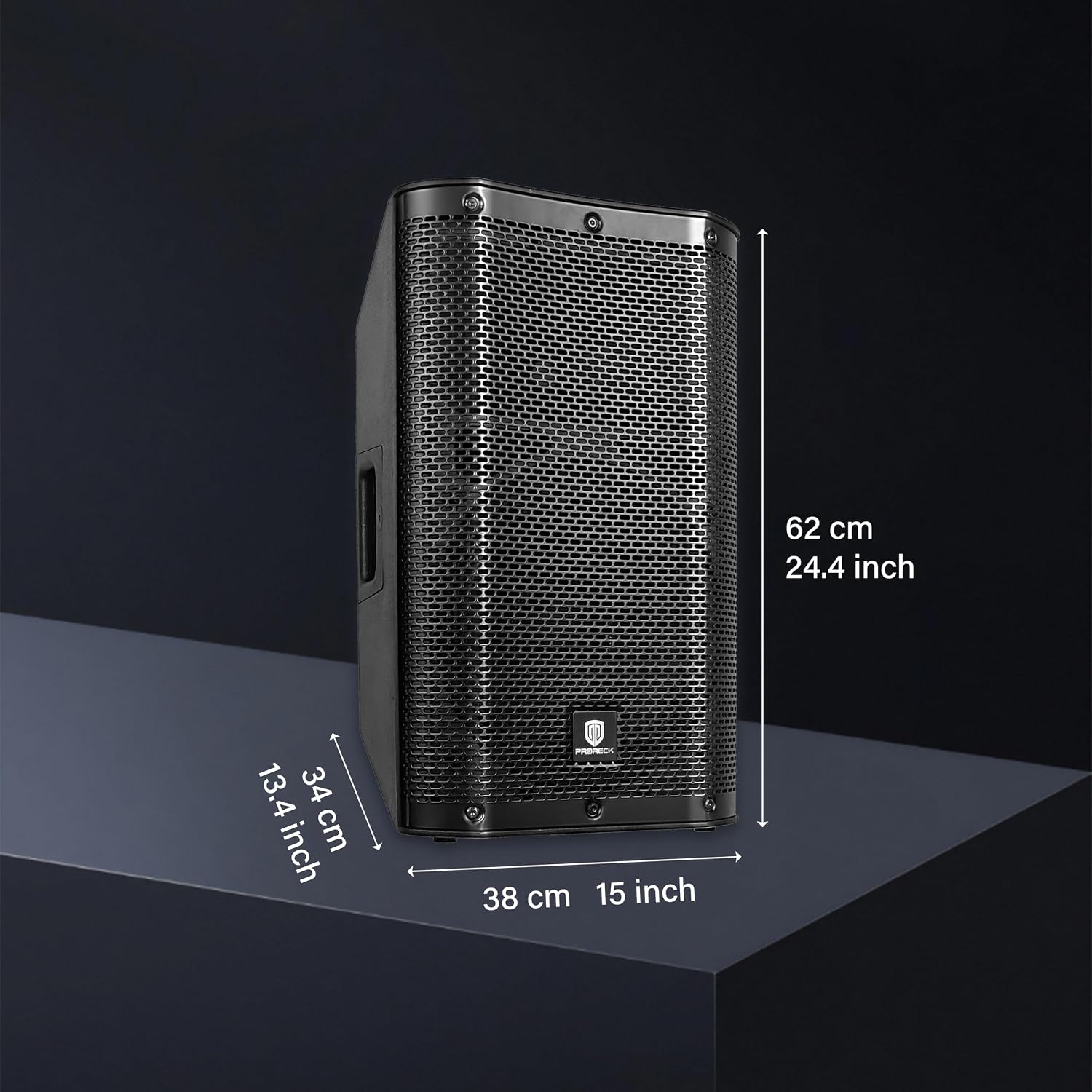
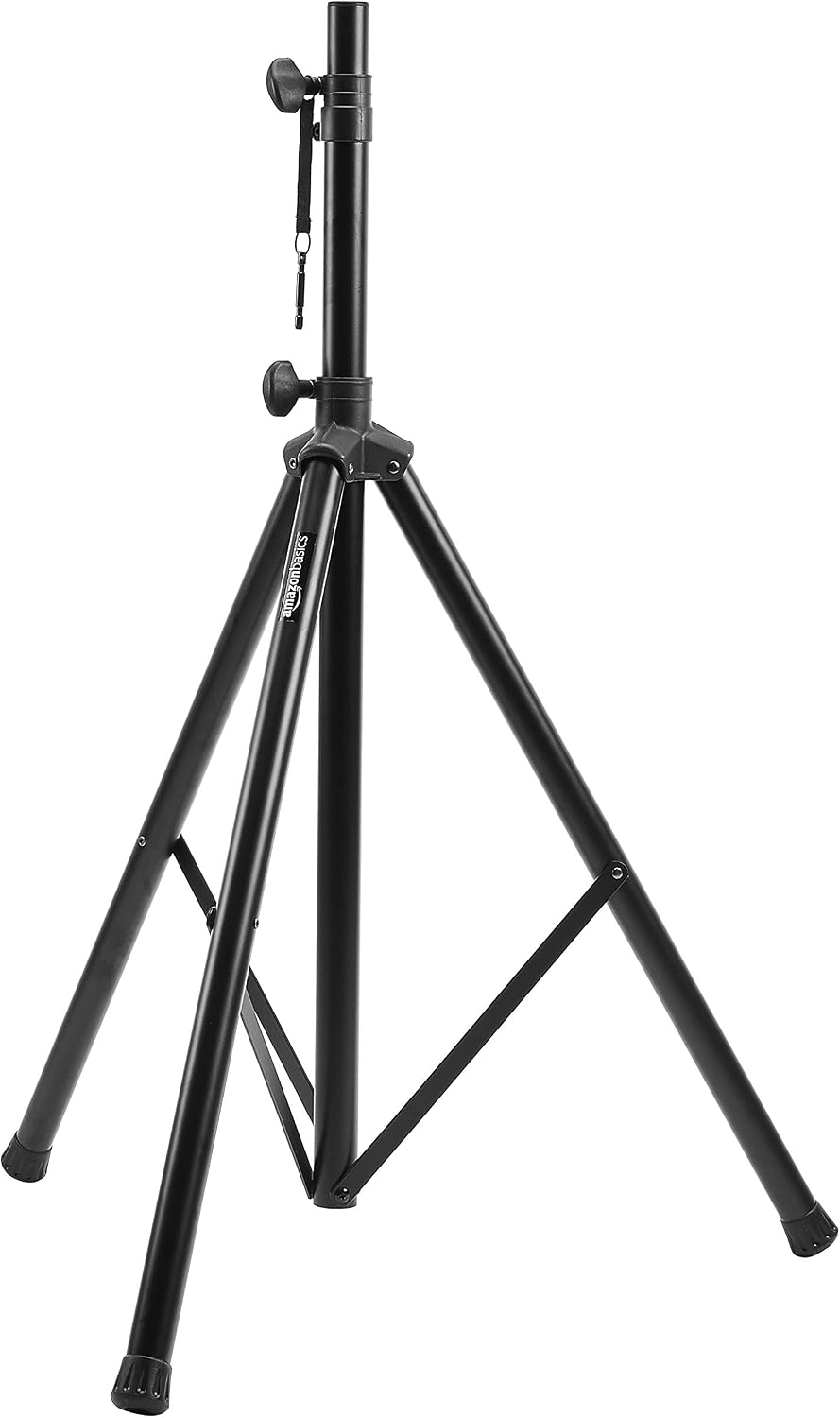
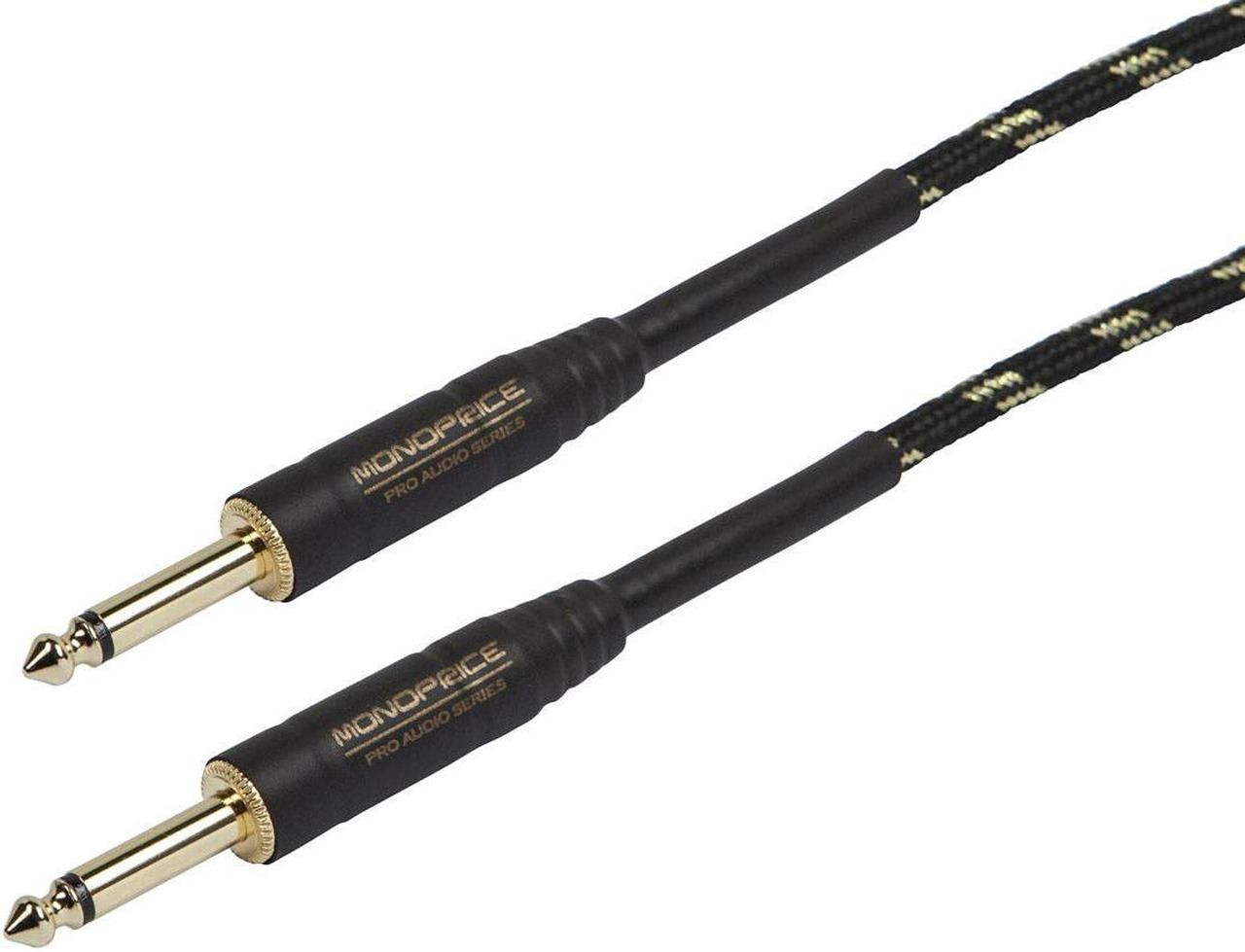
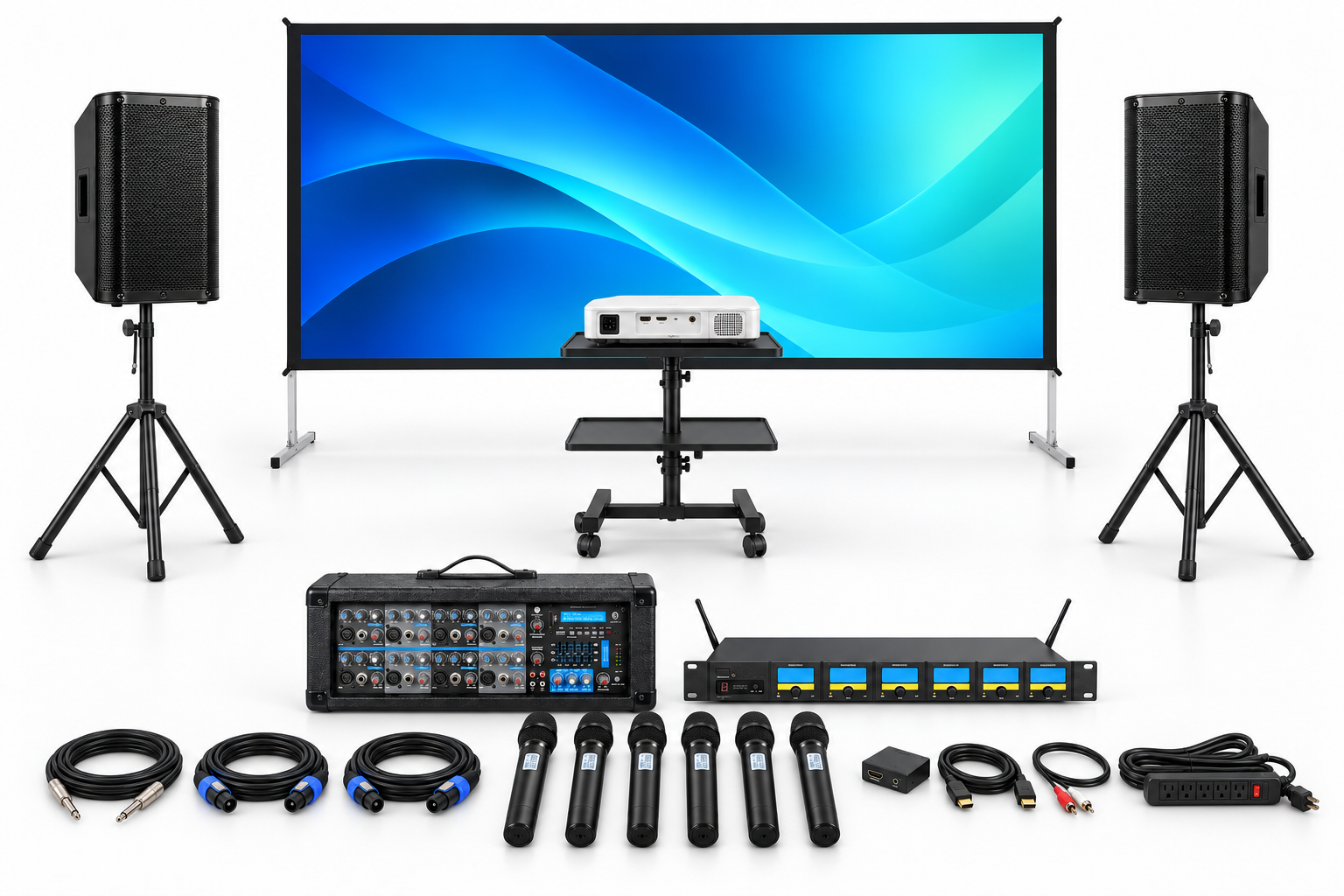
1 projector, 1 120-inch screen, 1 projector stand; 6 handheld wireless microphones; 2 passive speakers and stands; 8-channel powered mixer; HDMI audio extractor and stereo breakout cable; HDMI, 1/4-inch and Speakon cables; extension cords and power strips. Source device not included. Indoor, dry use.

$807.50 Per Day
Share

* Image for reference only. Actual item may look different

* Prices are subject to change. Applicable sales tax, delivery, damage waiver, and other fees are not included in price estimates.

* Please call us with any questions about our Projector Presentation Package - 6 Handheld Microphones rental in Chicago Metro Area.

Items People Also Rented Together

Frequently Asked Questions

We do not ship rental equipment. This package is delivery-only. Customer pickup is available only for items or packages specifically marked as pickup-eligible. Confirm delivery and collection times with Kelly Rentals before booking. The microphone system travels in a Diandian 2U protective rack case. Availability is checked for the individual components and event dates. Additional equipment, longer cables, delivery or staffing changes the quote. Applicable tax, delivery, damage waiver and other charges are separate unless your quote states otherwise.

Use an indoor, dry location with controllable light on the screens. Bright light falling on a projection screen reduces contrast; projector placement also needs clear floor space. Confirm suitable grounded power outlets and access with the venue. Delivery, assembly, sound check, operation and teardown are included only when shown on your quote; request the level of assistance your event needs.

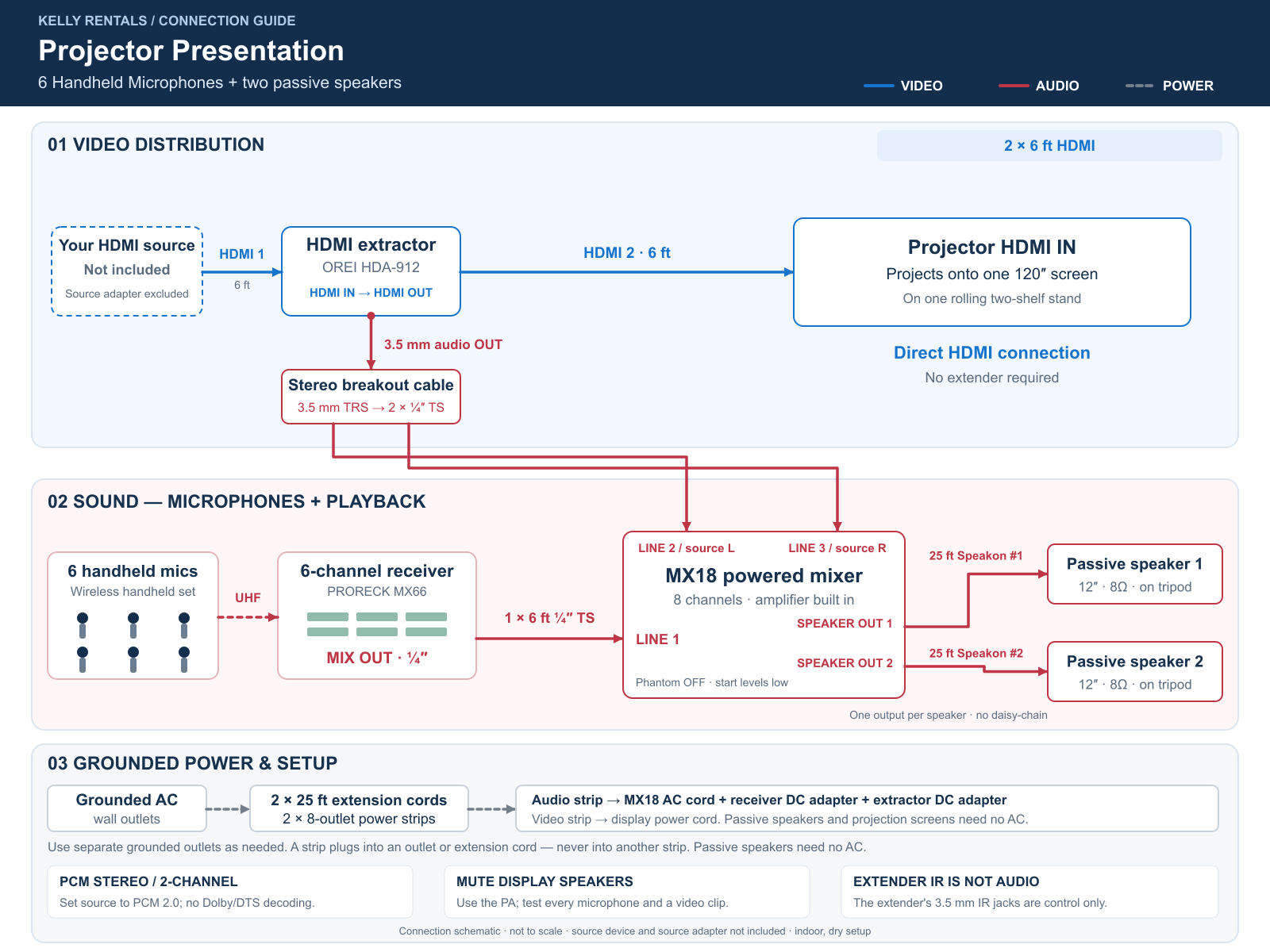
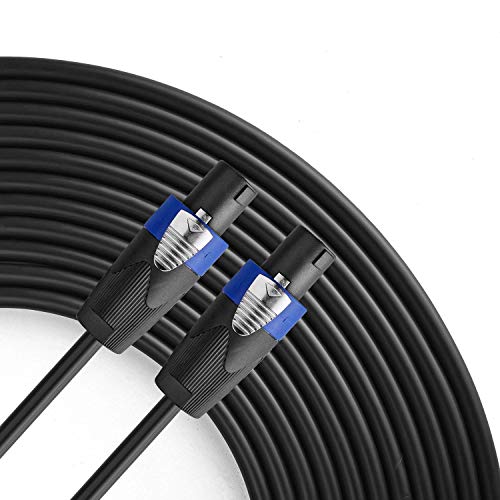
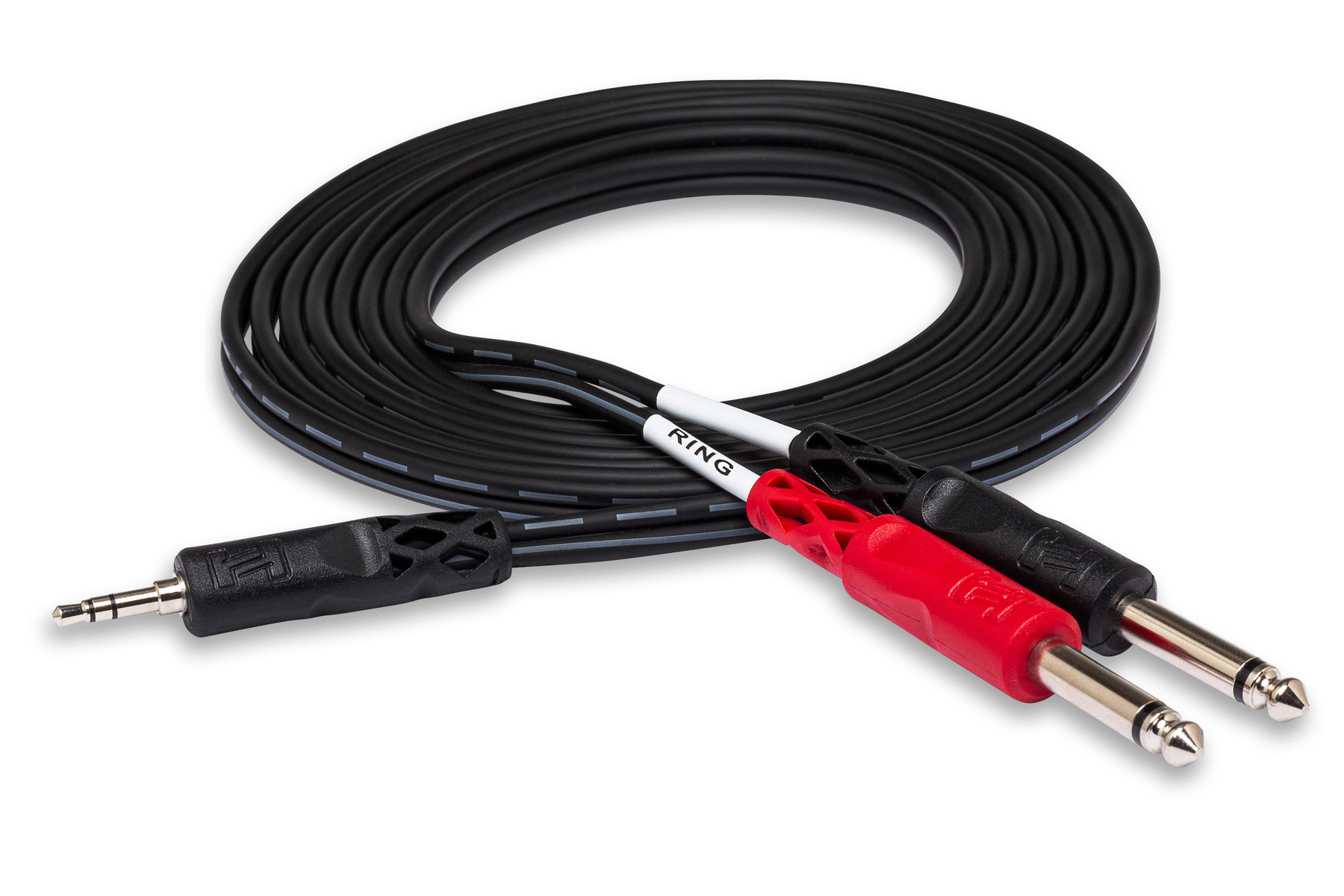
This configuration includes 2 six-foot HDMI cables, one six-foot shielded 1/4-inch TS receiver cable, one 3.5mm-to-dual-1/4-inch TS stereo breakout cable and two 25-foot Speakon speaker cables. It also includes 2 25-foot extension cords and 2 eight-outlet power strips, plus the device power cords and supplied adapters. The supplied cable lengths determine the standard layout. Keep the source, extractor and mixer close together, protect cable routes from foot traffic and request longer runs before booking. Do not daisy-chain power strips.

Bring an external HDMI-capable laptop or player and any USB-C or other adapter it needs. For this projector configuration, start with a common 1080p/60Hz HDMI output and PCM stereo audio, then check every assigned display. Projectors may scale that input to their own native resolution; this package is not a promise of native 4K projection. Have presentation files, login access and internet connectivity ready. Streaming subscriptions, venue Wi-Fi and a computer are not included.

Yes. Keep the receiver on mixer LINE 1 and presentation audio on LINE 2 and LINE 3, then balance those channels on the same powered mixer. The two sides of the source audio enter separate mixer channels before being mixed for the PA. Connect each passive speaker to its own powered Speakon speaker output using one supplied speaker cable. Start levels low, leave playback-channel effects off and test both speech and a video clip before guests arrive.

Handheld microphones suit panelists, announcements and passing questions through the audience. Hold a microphone close to the mouth and mute unused microphones to reduce unwanted room sound. Connect the wireless receiver MIX OUT to mixer LINE 1 with the single included 1/4-inch TS cable. Adjust individual microphone levels at the receiver and the combined microphone level on mixer channel 1. This connection does not give every microphone a separate mixer fader. Check each microphone individually, then together, before the event; confirm transmitter batteries during preparation.

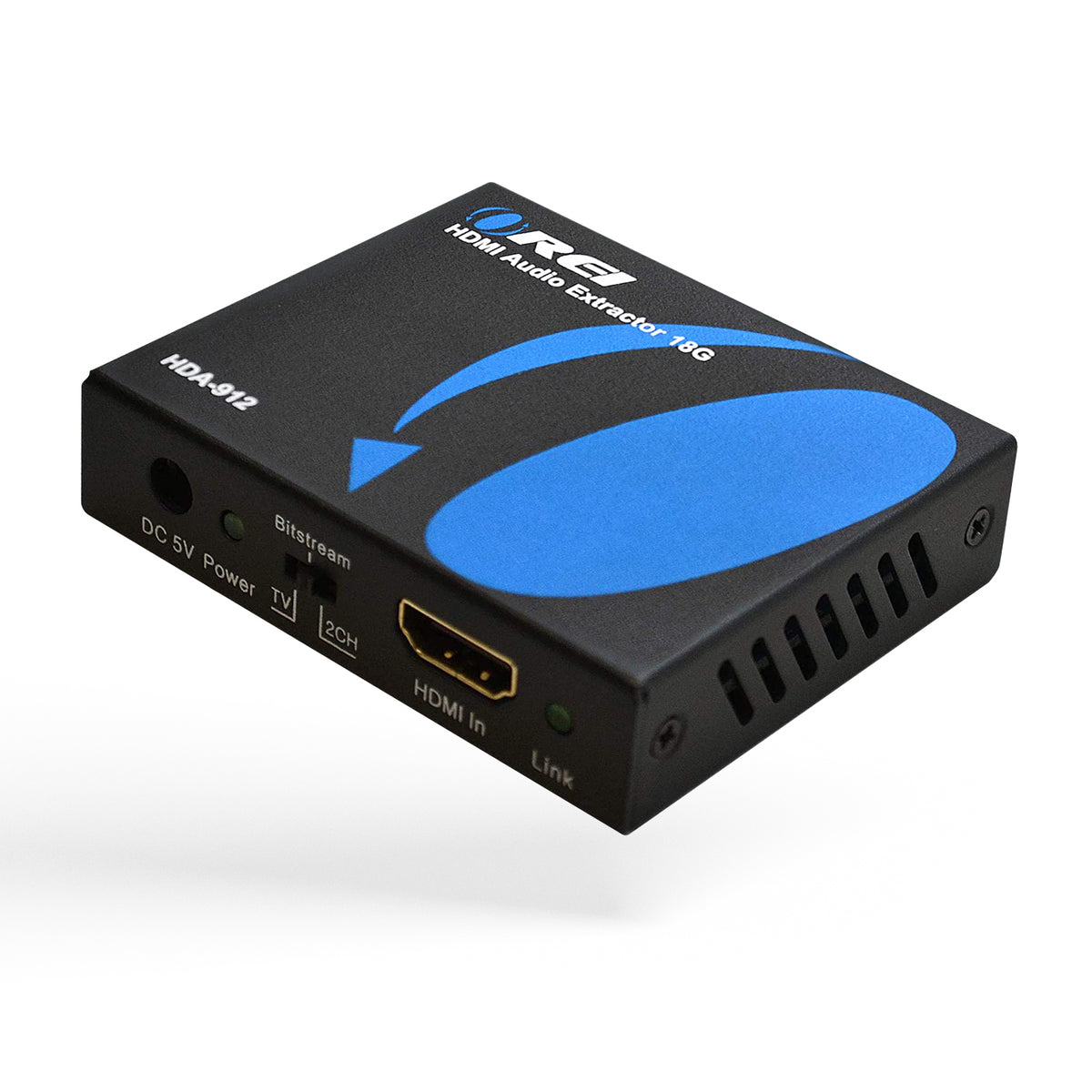
Connect your external HDMI source to the HDMI audio extractor, then connect its HDMI output to the display or HDMI extender transmitter. Connect the extractor analog 3.5mm output through the included stereo breakout cable to mixer LINE 2 and LINE 3. Set the source audio to PCM stereo/2.0; the extractor does not turn Dolby or DTS surround sound into analog stereo. Mute the TV and projector speakers to avoid doubled sound. The extractor handles an external HDMI source, not audio returned from a TV app through ARC/eARC.

The single projector displays one HDMI source on the included 120-inch screen. It is a front-projection arrangement, so space is needed between the projector and screen. Rear projection and a second screen are not included.

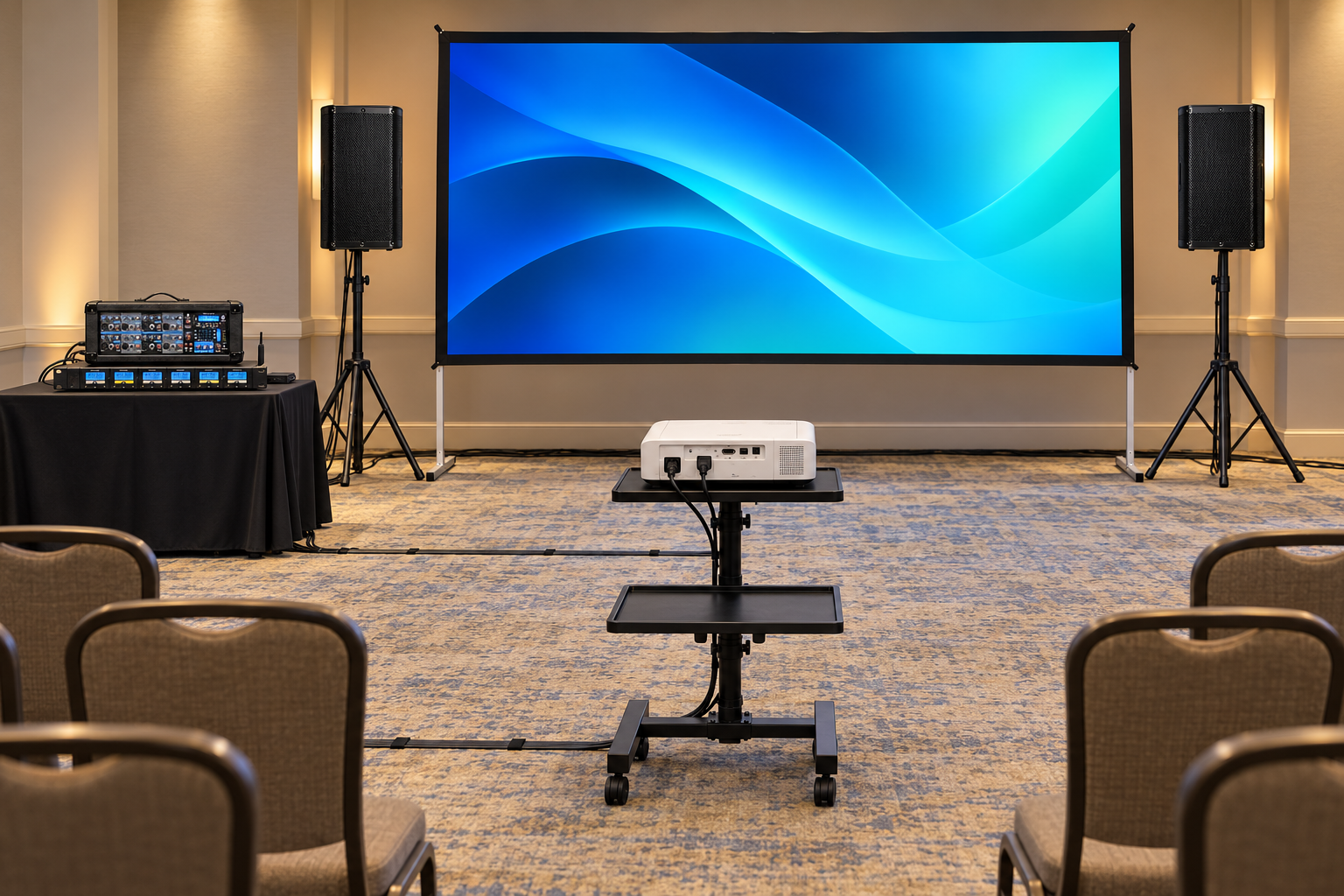
Set the screen where guests can see it, with the projector on its stand in front of the screen and facing it. Adjust placement to the actual projector lens and room; an exact throw distance is not promised. Keep the beam clear of people and aisles. Place the two speakers ahead of the microphone positions and reduce light falling on the screen.

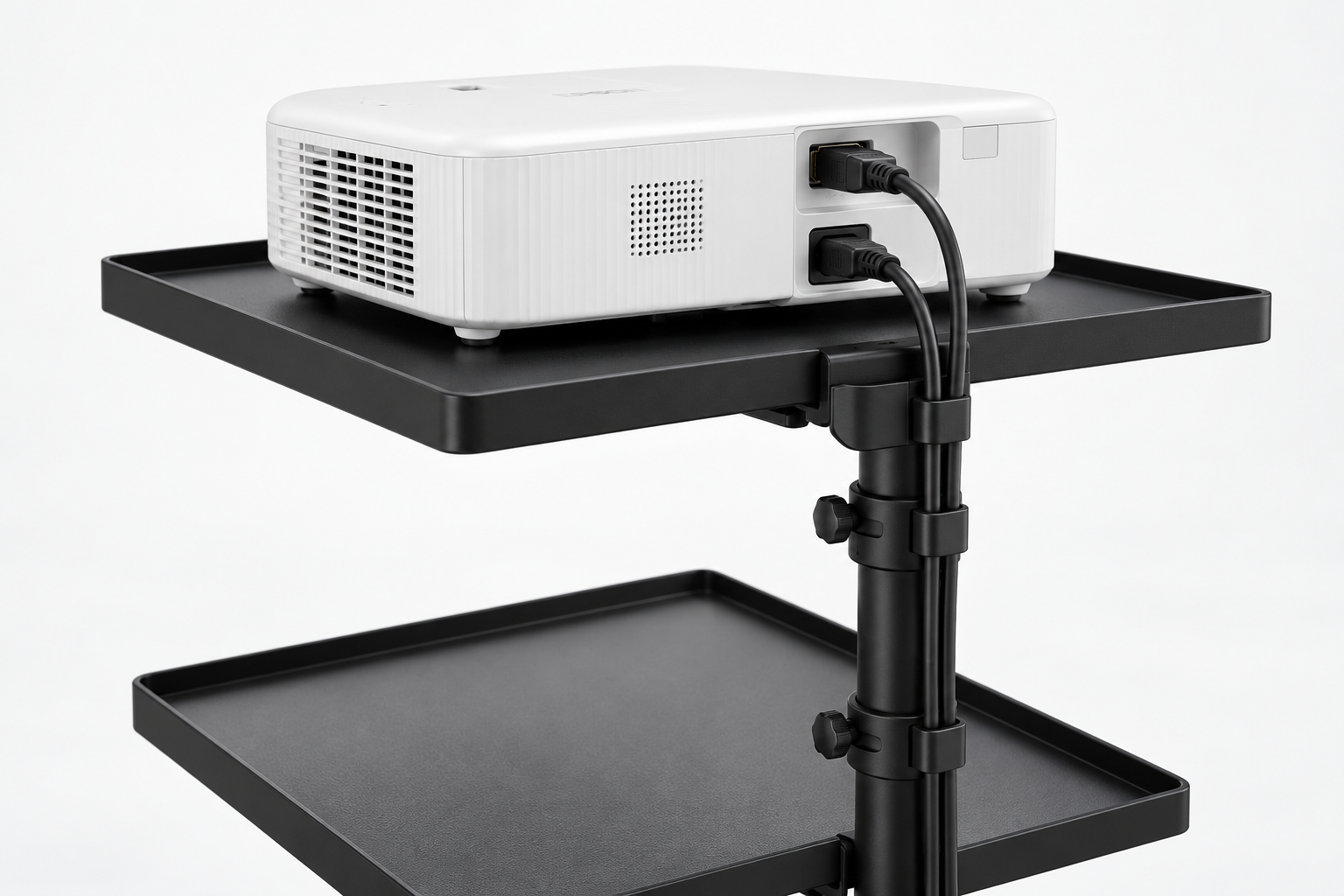
One projector, one 120-inch front-projection screen and a rolling projector stand, supported by a two-speaker PA. The listed configuration includes 1 projector, 1 120-inch screen, 1 projector stand, six handheld microphones and its wireless receiver, two 12-inch passive speakers, two speaker stands, one 8-channel powered mixer, one HDMI audio extractor with its power adapter and a stereo breakout cable. The connection diagram shows the included signal and power cables. A laptop, media player, source-specific adapter, furniture and an on-site operator are not included unless added to your quote.

Get an Instant Quote

Your Quote Request Details

Please complete our "Instant Quote Request Form" and we will send you a free quote via email and text.